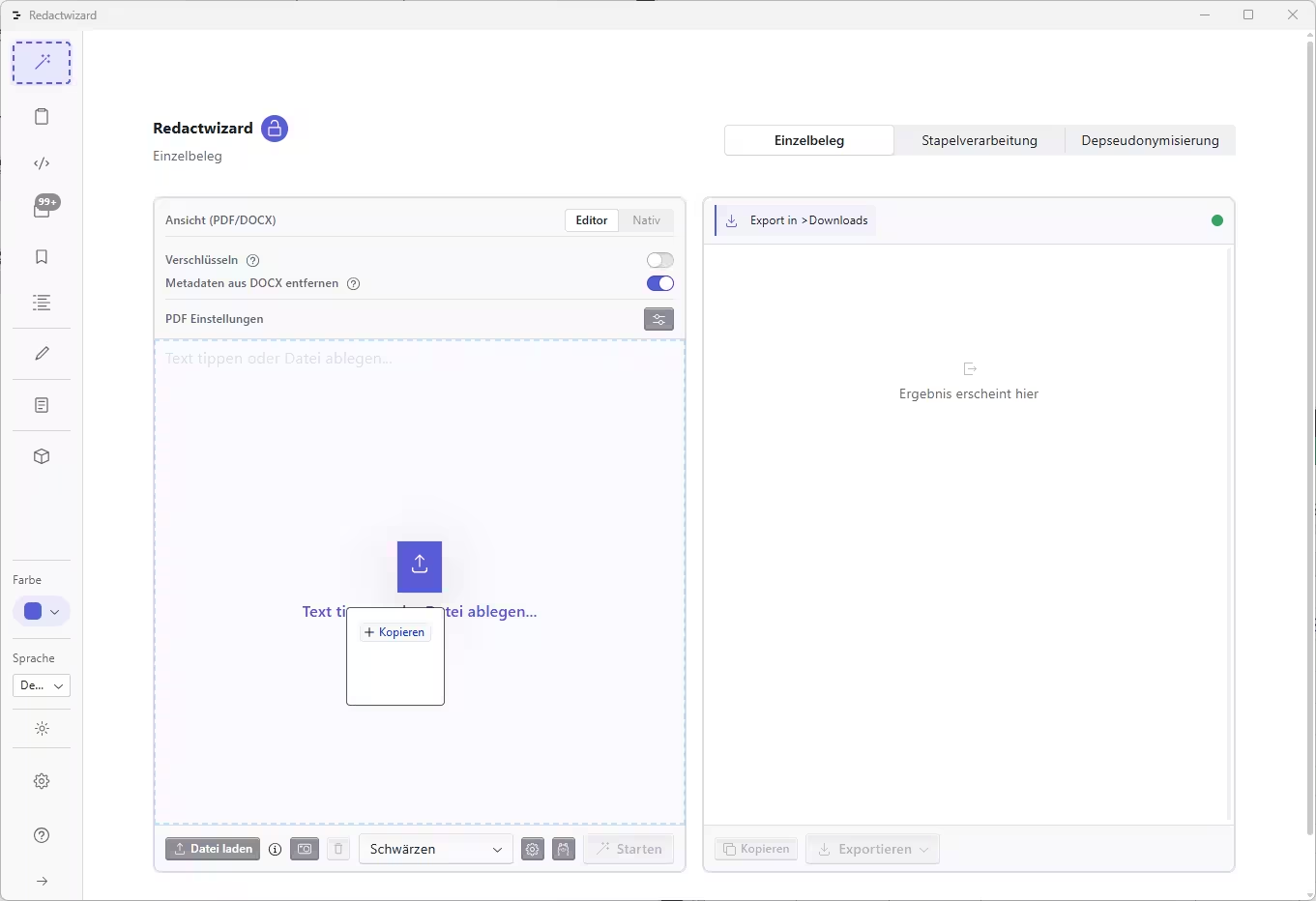
GDPR-compliant PDF redaction with Redactwizard. 1. Document Import & OCR Drag and drop a scanned PDF document without searchable text directly into the application. Local OCR automatically extracts and prepares the content. 2. Redaction Start the redaction process. The built-in AI analyzes the document and masks sensitive data automatically. 3. Results View Review the output in the redaction window. All processed entries are securely saved. 4. Native Redacted View The native preview shows your redacted PDF with all sensitive elements permanently burned into the document. 5. Export to PDF Export your finalized, redacted document as a PDF file. 6. Single Document Statistics Access detailed statistics and entity metrics for single-document workflows. 7. Open in PDF Editor Send the file to the integrated PDF Editor to manually redact additional elements, such as company logos or graphics, using the draw tool. 8. Direct PDF Editor Import & OCR Import PDF files directly into the PDF Editor. Adjust local OCR settings to clean up and enhance low-quality scans.